iPhone LiDAR Scanner for Floor Plans and 3D Models
Scan rooms and objects with your iPhone's LiDAR sensor. You get an editable floor plan, a 3D model and exports to USDZ, DXF, PDF and more, all processed on your device.


Point your iPhone camera at the code to open the download page.
Built for iPhone & iPad
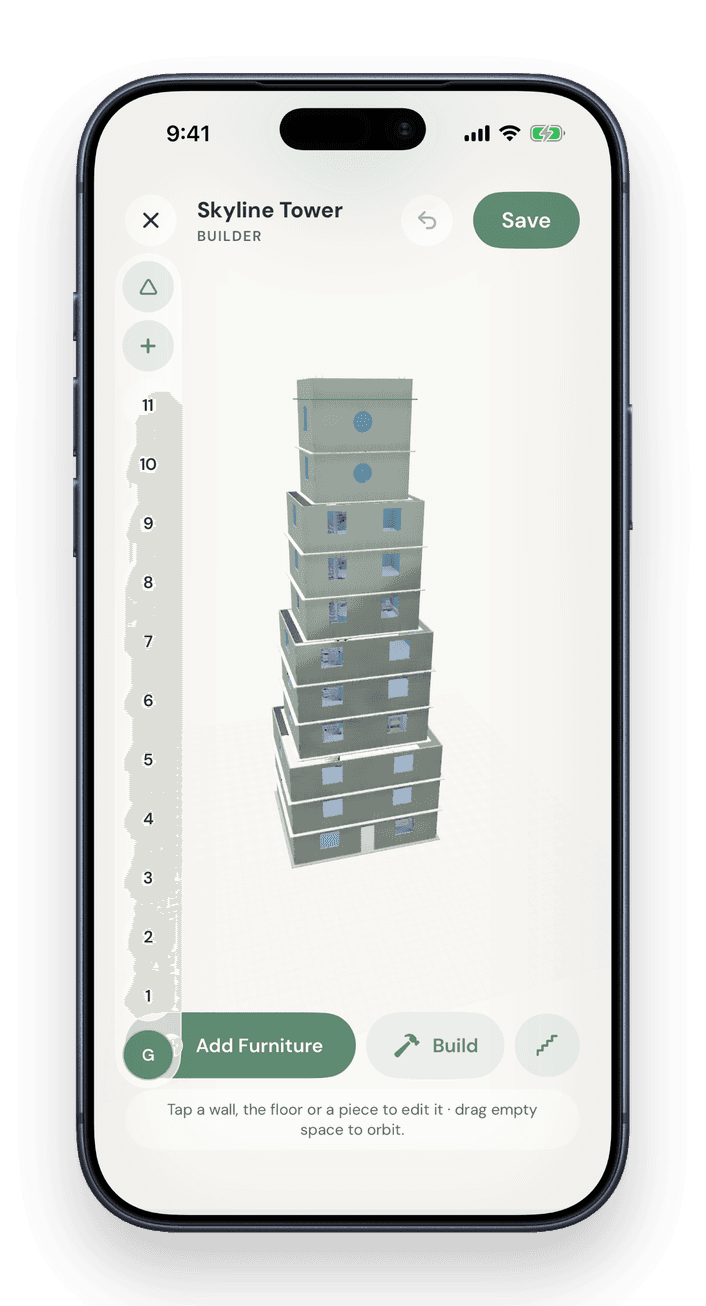
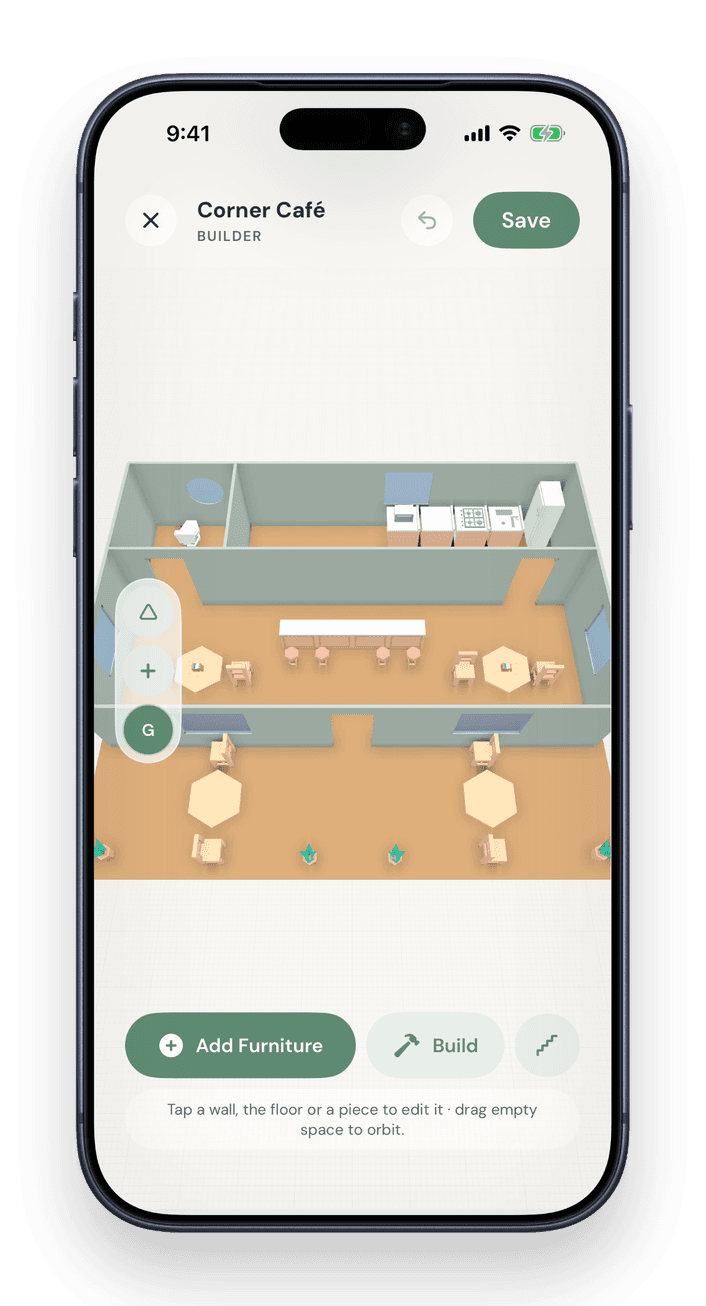
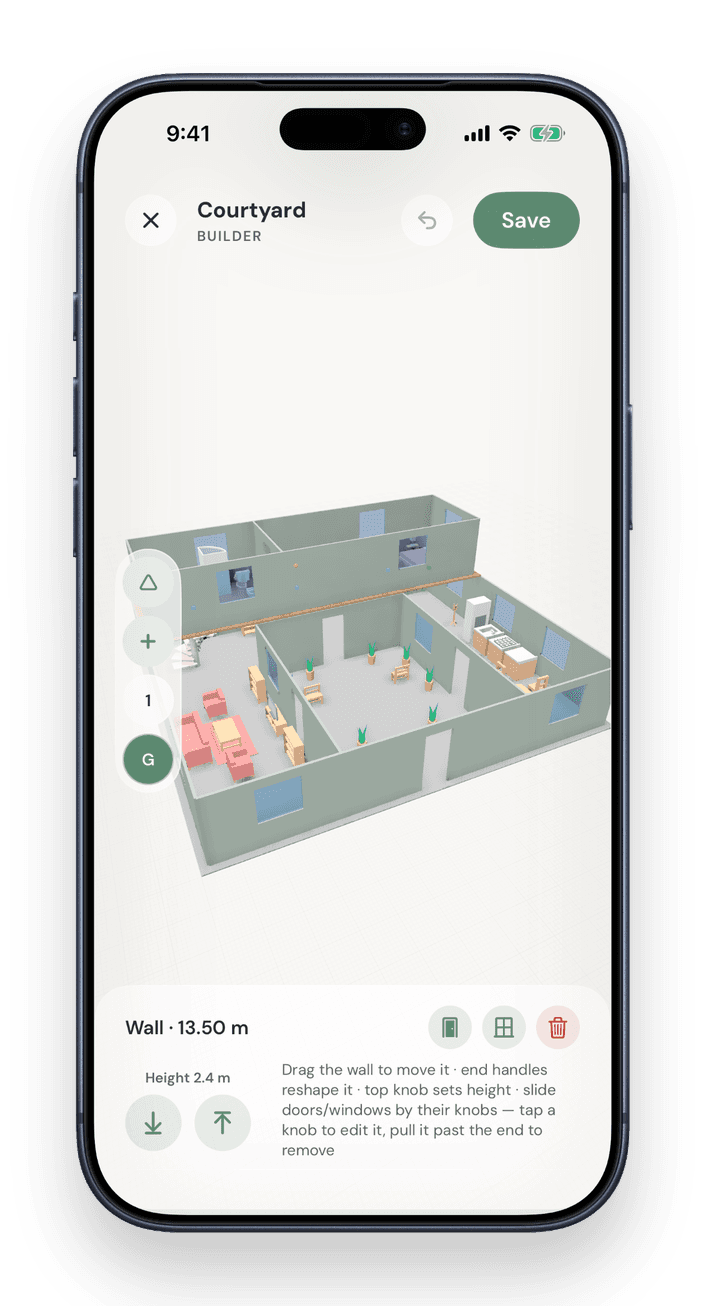
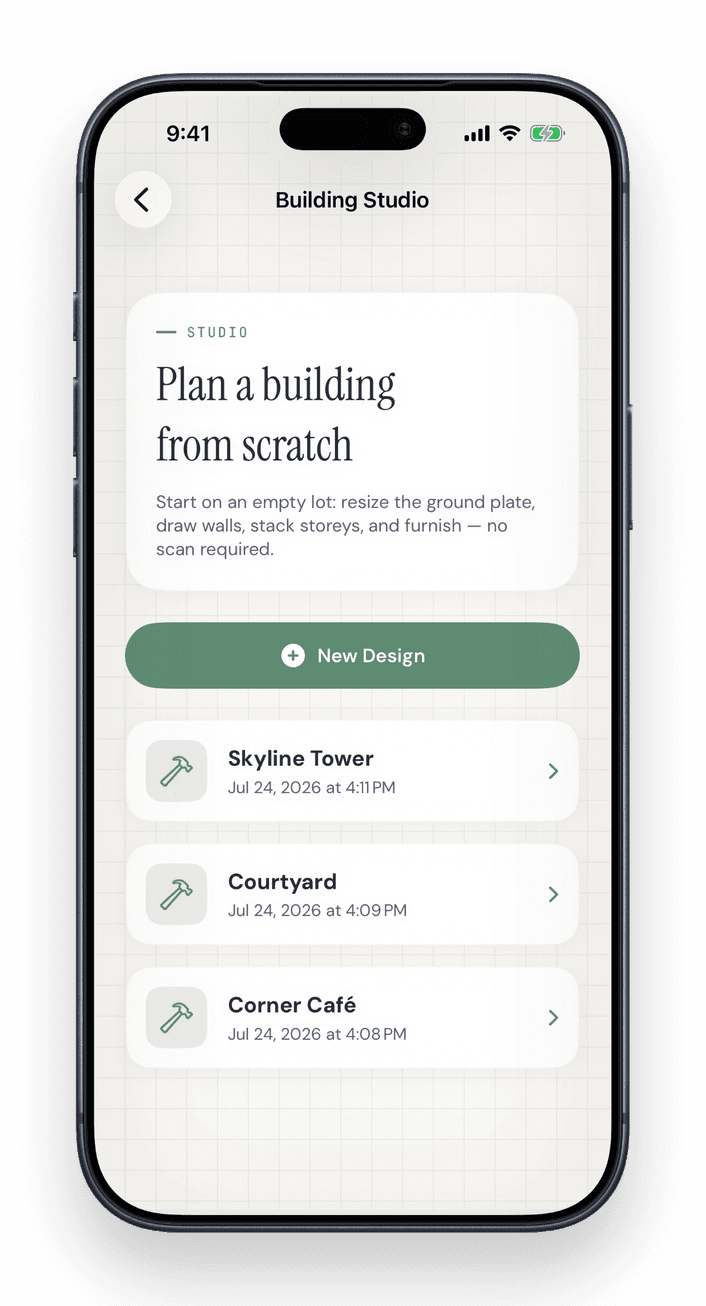
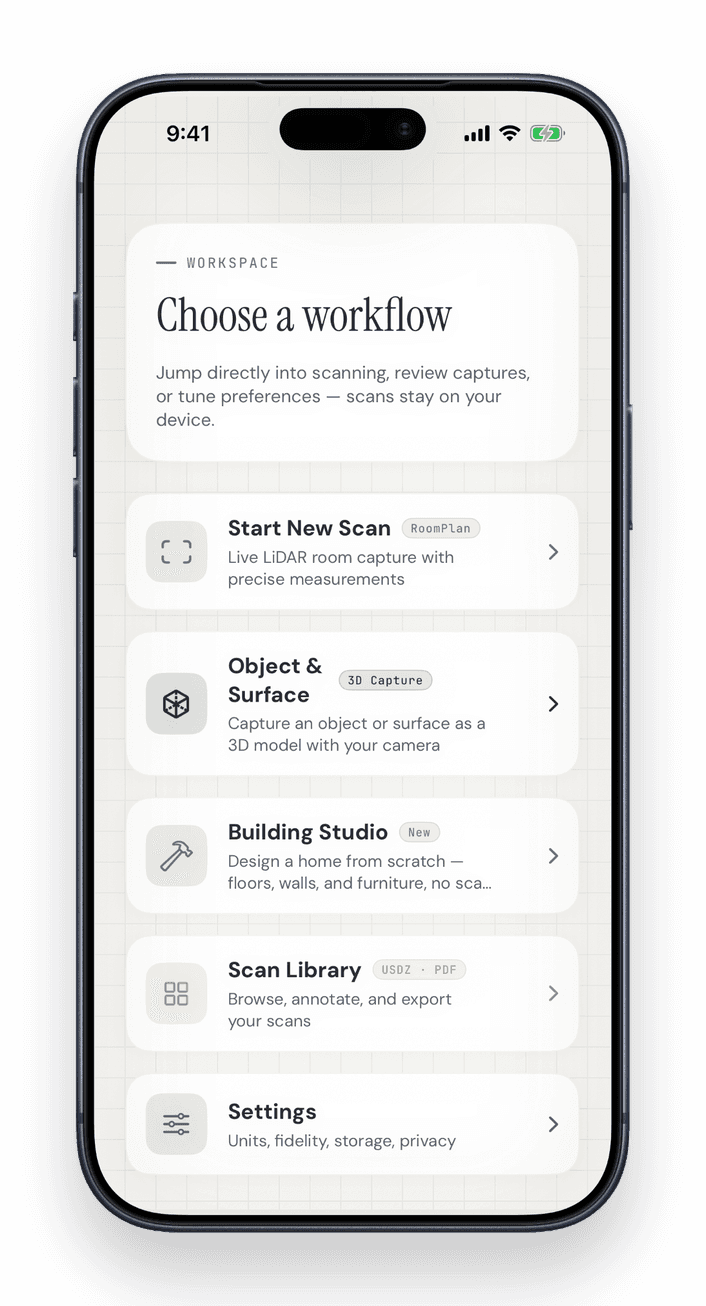
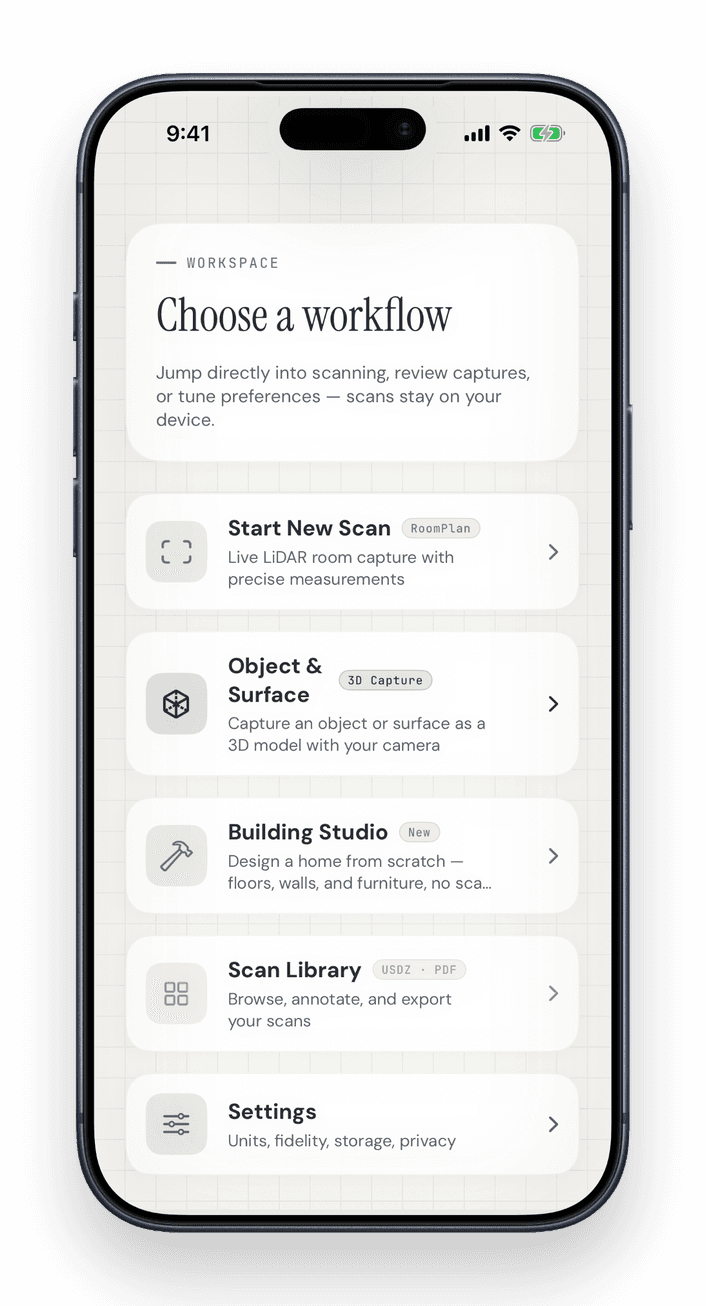
One app for iPhone and iPad: scan rooms, capture objects, design buildings in Building Studio, measure and export. Scanning needs the LiDAR sensor of the Pro models; Building Studio runs on any device with iOS 18.
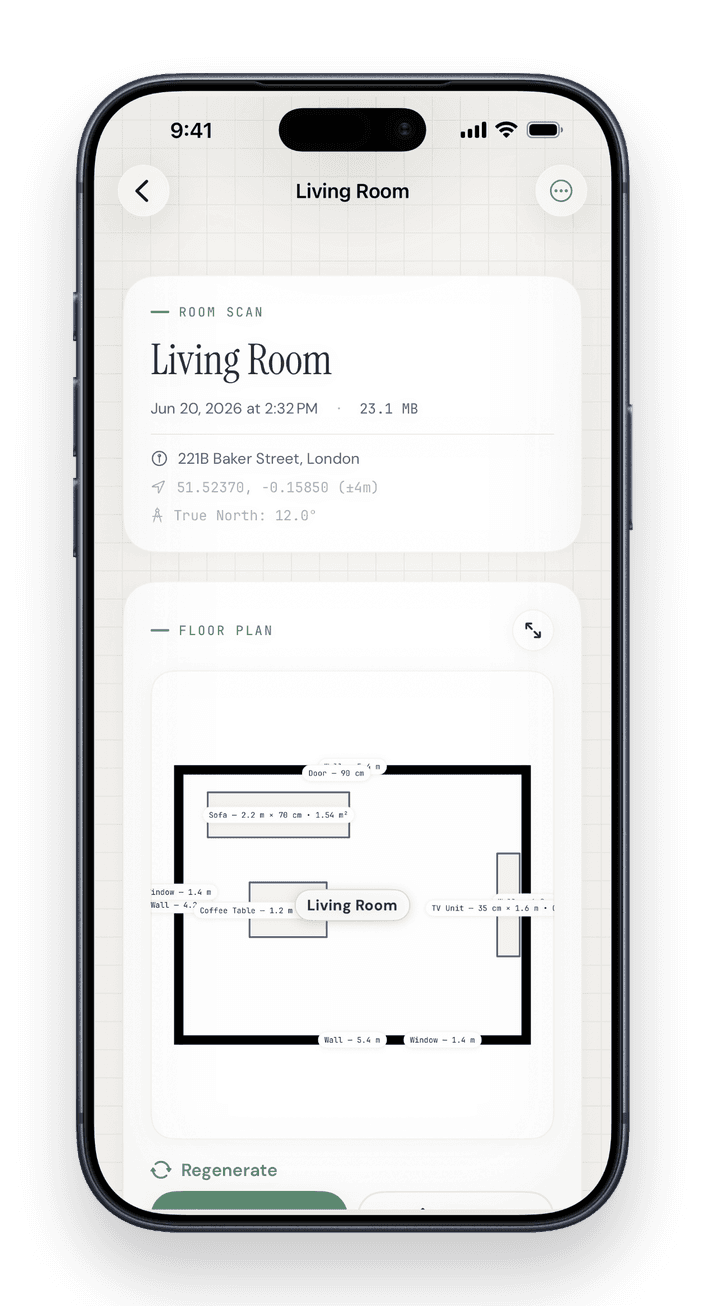
One universal app · Building Studio shown on iPhone
Scan to 3D in Three Steps
No CAD skills needed. The LiDAR sensor and Apple's RoomPlan build the model while you walk through the room.
Scan with LiDAR
Walk the room with your iPhone. ARKit RoomPlan and the LiDAR sensor capture walls, doors, windows, openings and furniture with live on-screen guidance.
Automatic floor plan & 3D model
When you finish, LiDAR Room Scanner creates a 2D floor plan and a parametric 3D model (USDZ) within a few seconds.
Edit & export
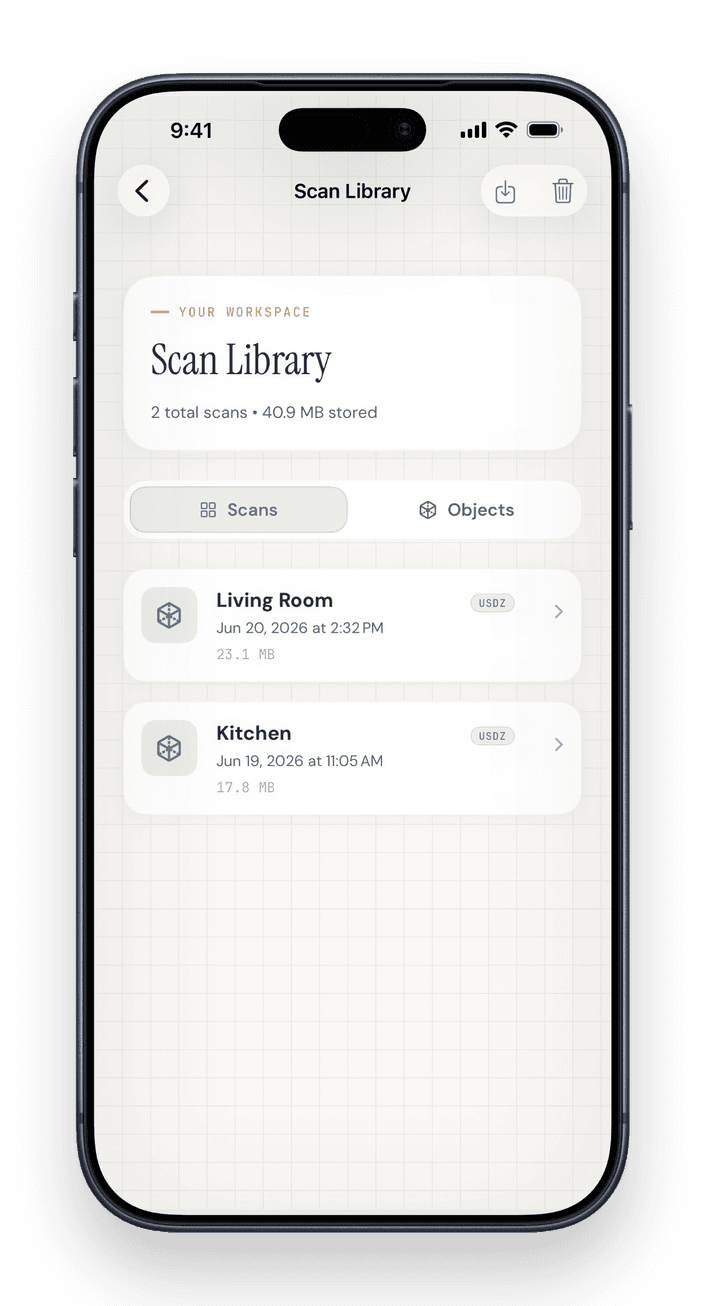
Refine the plan in the floor plan editor, then export it as USDZ, RoomPlan JSON, DXF, PDF, SVG, PNG or CSV. Everything is processed on your device.
Scan, Edit and Export in One App
Capture a room with LiDAR, correct the floor plan in the editor and export it for CAD, AR or print.
Live LiDAR Capture
ARKit RoomPlan maps walls, doors, windows, openings and furniture in real time, with on-screen guidance as you walk the space.
Floor-Plan Editor
Refine the automatic 2D plan in three modes (Geometry, Labels and Objects) with a furniture catalog, grid snap, measurements and area calculation.
USDZ + RoomPlan JSON
Export a parametric USDZ you can open in AR Quick Look, plus the raw RoomPlan JSON for your own software.
CAD Exports
Export floor plans as DXF for AutoCAD and other CAD tools, as PDF or SVG drawings, as PNG images or as a CSV measurement table.
On-device & Private
Scans are processed on your iPhone or iPad with Apple's ARKit and are never uploaded. Scanning works without an internet connection.
Object Capture
Guided photo capture around an object creates a textured 3D model by photogrammetry, directly on your device.
Scan Rooms & Objects with iPhone LiDAR
Walk through a room with your iPhone and LiDAR Room Scanner reconstructs it live: walls, doors and furniture become editable geometry, a floor plan and a 3D model, processed on your device. For your first scan, the step-by-step room scanning guide explains each step.
- ✓RoomPlan captures walls, doors, windows, openings & furniture as editable parametric geometry
- ✓Live on-screen guidance shows coverage and gaps as you walk the space
- ✓High Fidelity mode replaces detected furniture with clean, idealized models
- ✓GPS and compass heading align the floor plan to true north
- ✓Processed on your device, without an account and without internet
For Real Estate, Design and Renovation
Real estate
Floor plans, living area and exposés for listings
Interior design
Plan layouts and furniture to scale
Architects & engineers
As-built drawings & DXF for CAD
AR & 3D creators
USDZ assets for AR Quick Look & 3D apps
Facility management
Document rooms and equipment
Home renovation
Measure rooms and plan your remodel
Free to Start, Pro When You Need It
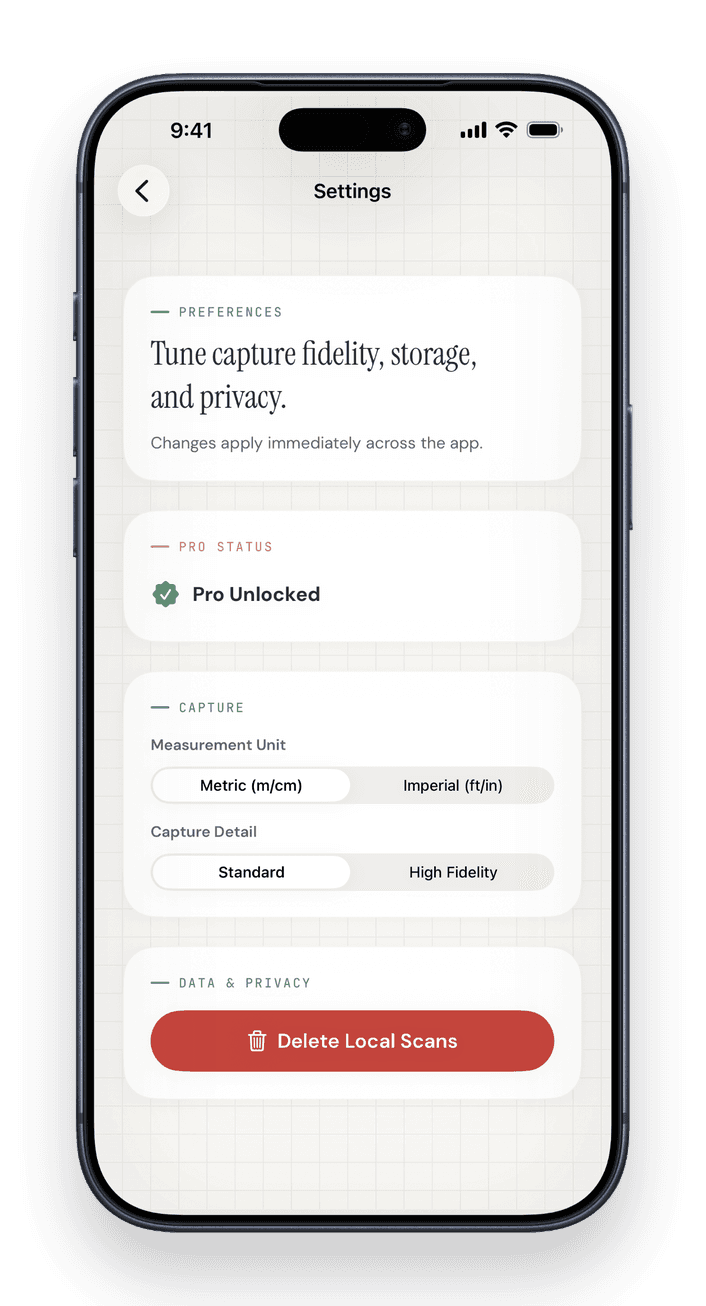
The free plan includes 3 scans, the floor plan editor and USDZ export. Pro adds unlimited scans, floor plan exports (DXF, PDF, SVG, PNG, CSV), GPS data in exports and scan import.
Free
Three scans to try the app, no account needed.
- ✓3 scans (rooms and objects combined)
- ✓Standard and High Fidelity capture
- ✓Automatic 2D floor plan and editor
- ✓Unlimited saved scans on your device
- ✓USDZ and RoomPlan JSON export
- ✓Textured 3D object models (Object Capture)
- ✓Properties, living area and exposé preview
- —Floor plan exports (DXF, PDF, SVG, PNG, CSV)
- —Exposé PDF export
- —GPS data in exports
- —Import scans
Pro
Unlimited scans, floor plan and exposé exports, GPS data and scan import.
- ✓Everything in Free
- ✓Unlimited scans
- ✓Floor plan exports: DXF, PDF, SVG, PNG and CSV
- ✓Exposé PDF export for properties
- ✓GPS location data in exports
- ✓Import scans from other devices
Also available: Pro Yearly, the same features billed once a year. If you have never subscribed to Pro, the first year costs $59.99 (Save 61% vs monthly), then $99.99 per year.
Frequently Asked Questions
Which iPhones and iPads can run LiDAR Room Scanner?
What file formats can I export?
Does scanning happen on-device or in the cloud?
How accurate are iPhone LiDAR scans?
What is the difference between LiDAR scanning and Object Capture?
Can real estate agents create an exposé with the app?
Is LiDAR Room Scanner free?
Scan Your First Room
Download LiDAR Room Scanner for iPhone or iPad. The first three scans are free and need no account.
Point your iPhone camera at the code to open the download page.